How to Install Django on Ubuntu Linux

Also Read:
How to Enable the Linux Bash Shell in Windows 10Django installationSo now we know what is Django and why is it used let's start installing it. Now, as Django is a Python framework you must have Python installed on your machine. For installing Python simply type this in your terminal$ sudo apt-get install pythonSince Django 2.2.2 (latest version) now requires Python 3 to be installed so for this just type $ sudo apt-get install python3
$ python --versionOr$ python -V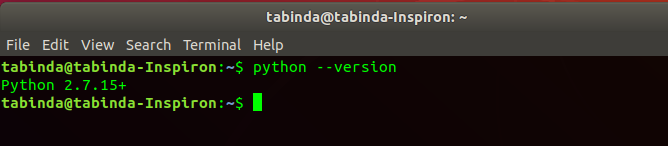
$ python3 --version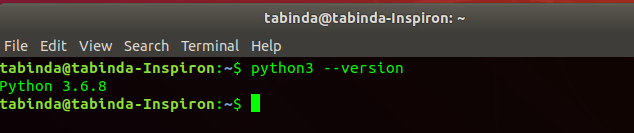
$ sudo apt-get install python3-pipAfter this, we need to install the Virtual Environment.What is a Virtual Environment?
A virtual environment is a tool that helps to keep dependencies required by different projects separate by creating isolated Python virtual environments for them. This is one of the most important tools which most Python developers use.Why do we need a virtual environment?Imagine a scenario where you are working on two web-based python projects and one of them uses Django 1.9 and the other uses Django 2.2.2 and so on. In such situations, virtual environments can be really helpful to maintain the dependencies of both projects.Also Read:
How to Install Netbeans IDE 8.0.2 on Ubuntu 18.04.2 LTSThe great thing about it is that there are no limits to the number of environments you can have since they’re just folders containing a few scripts.We use a module 'virtualenv'. This tool allows us to create isolated Python environments. Virtualenv creates a folder that contains all the necessary executable files to use the packages that a Python project would need.Installing Virtual Environment
To install the virtual environment just type this in the terminal$ sudo apt-get install python3-venvOr $ pip install virtualenv
$ mkdir projectand
then change directory to project$ cd project 
$ python3 -m venv envIt will create a folder named env inside the folder 'project' that we have just created like this
Activate the environment
Now that we have created the environment, After that, we need to activate the environment so that whenever we execute python or any command it will be loaded from this folder, for example, to see from which folder python is being loaded into memory you have to type$ which python3
$ source env/bin/activate
/home/tabinda/project/env/bin/python3. It means the virtual environment is now active.
$ pip install django 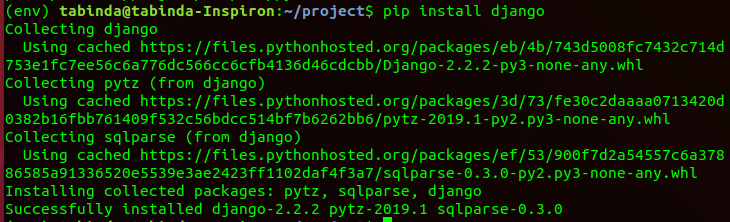
$ django-admin startproject heyworld
Also Read:
How to Use 7Zip in Linux [Quick Tip]Django
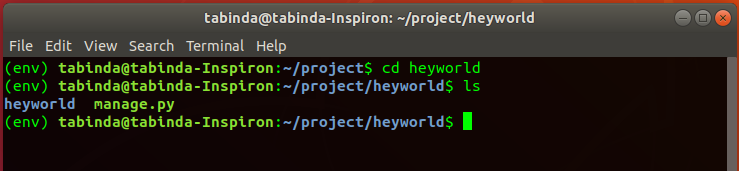
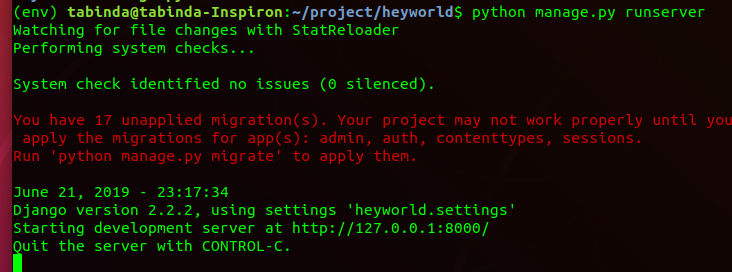
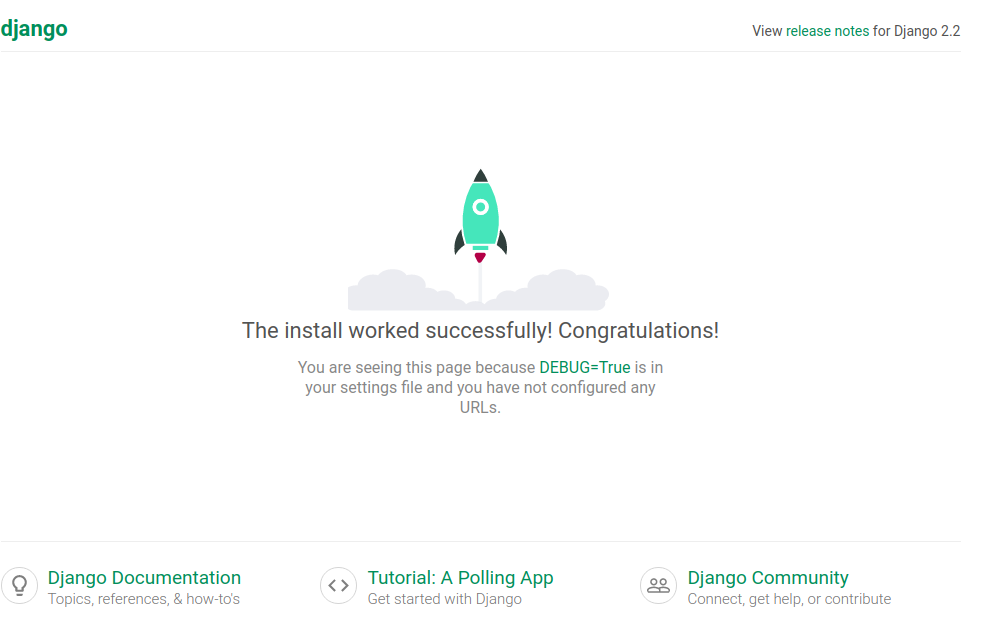
has its own built-in web server which can be used for development purposes and we will use it to execute our projects.Execute these commands in the terminal$ cd heyworld $ python manage.py runserver